
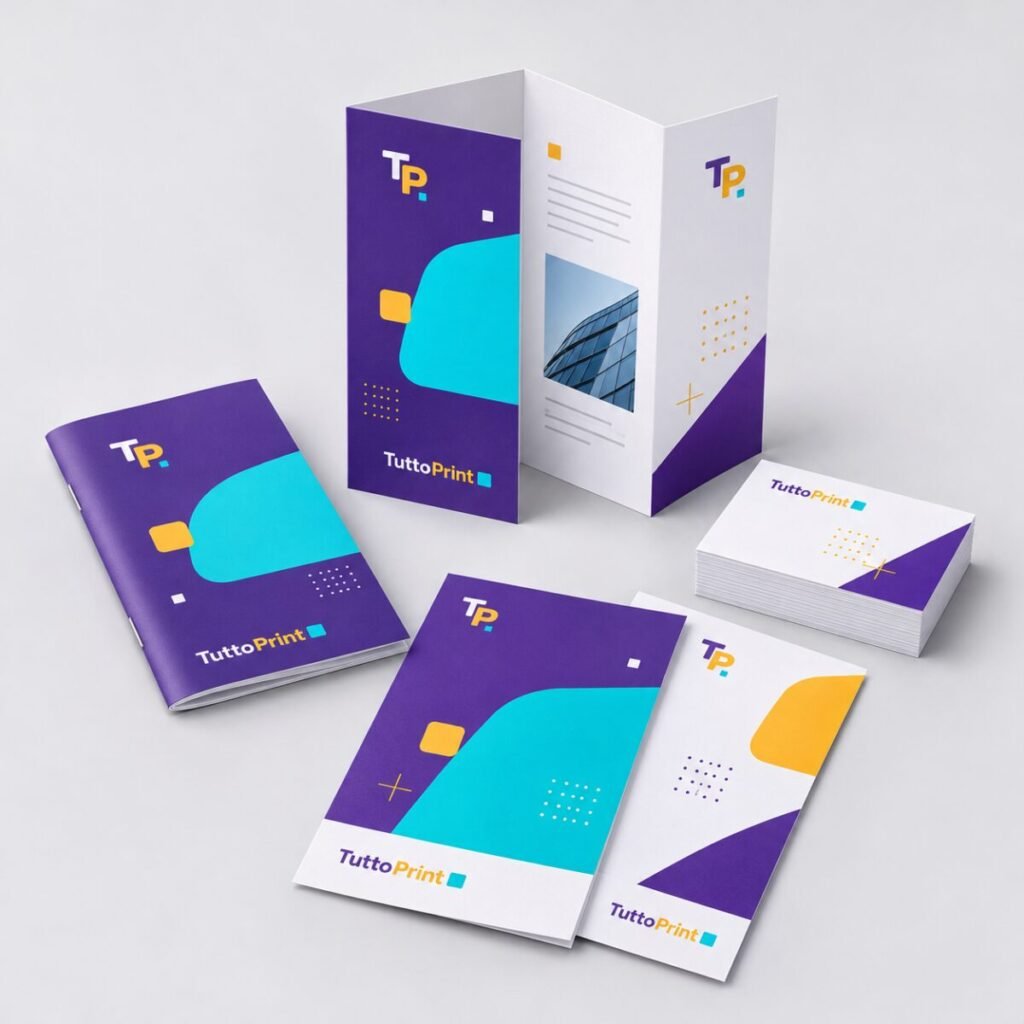
A business card has a small space to do a useful job: help someone remember you and get in touch. Before choosing paper or a finish, decide what the person receiving it needs to know. A clear card with the right details is a better starting point than a crowded design.
Use this checklist when preparing a new card or updating an existing one. It focuses on the wording, layout and final proof, so you can make decisions before placing a print order.
Give the card one main purpose
Think about the next step you want someone to take. Should they call for an appointment, visit your website or email for a quote? Make that route easy to spot. Your business name, a short explanation of what you do and your preferred contact details will usually deserve priority.
For example, a gardener might lead with their name, gardening services, the area they cover and a contact number. They do not need to squeeze a complete service catalogue onto the card. Treat the website as the place for the longer explanation.
Check every contact detail separately
Do more than glance at a familiar design. Read the phone number digit by digit, send a test email to the address shown and type the printed website address into a browser. Check names, job titles and social account names against the final wording, rather than relying on an old card.
Only include a street address if it helps customers. If your working arrangements or contact details may change, consider which information will remain useful throughout the print run. Remove anything that is already out of date before comparing print quantities.
Review the layout at the finished size
A design enlarged on a laptop can hide small lettering and a busy layout. Review a copy at the intended finished size, using the dimensions of your chosen product. Ask someone else to find the business name and preferred contact method without being prompted.
If important details feel difficult to read, simplify the wording or give them more room. Keep both sides consistent, and make sure a decorative background does not compete with the contact information. A home printout can help you judge scale and wording; it is not a guarantee of the final paper, finish or colour.
Make any QR code earn its space
If you include a QR code, give it a clear purpose, such as opening your booking page or portfolio. Add a short label explaining where it leads. Test the code from the actual artwork at its intended size on more than one phone, and check that the destination works without your personal login.
Keep a readable contact route alongside it. Someone should still be able to use your card if they prefer not to scan a code.
Match the file to the product
Browse the business card options before finalising your artwork. Follow the guidance for the exact size, sides and finish you choose. Do not assume that an old file or a template from another supplier matches the new order.
If you need help preparing the layout, Tutto Print offers design for print. Send your logo, final text and a description of what the card needs to achieve. If the file is already designed, explain any concerns before approving it for printing.
Do one final proof check
- Read both sides, including small text and punctuation.
- Test the printed contact details and any QR destination.
- Confirm the selected size, quantity, sides and finish.
- Give the approved file a clear name so an older version is not sent accidentally.
Ready to plan your cards? Request a quote with your artwork and requirements, or contact our Enfield shop to discuss the options.